Regenerate with instruction
Re-run scoped to a correction — shorter, more formal, drop the third point — instead of a blind retry.
M
In the wild
How 2 products ship this pattern. Click a screenshot to enlarge it.
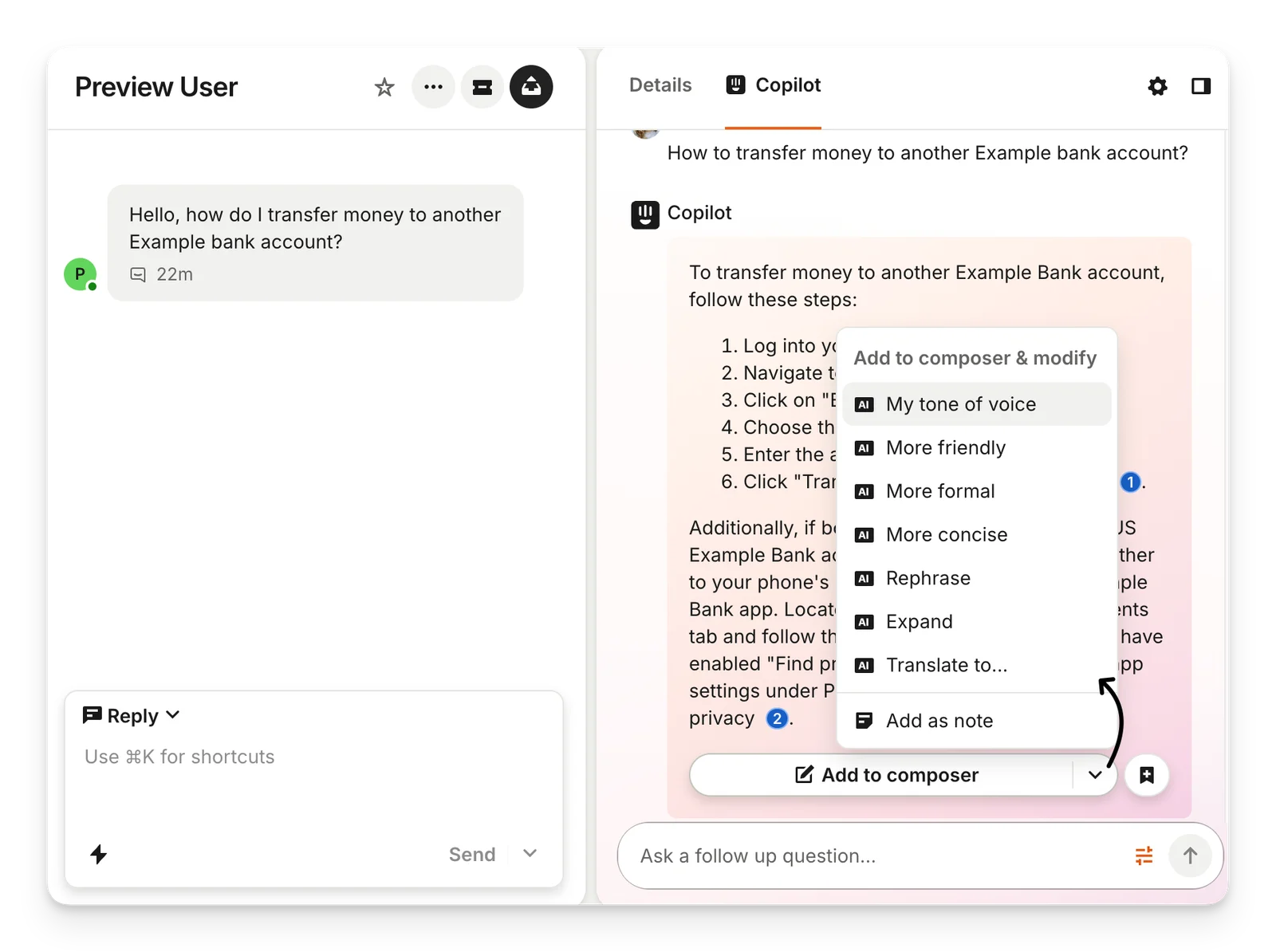
Intercom Copilot
Before inserting Copilot's answer, the teammate can re-run it with a named adjustment: friendlier, more formal, more concise, expanded or translated.
Source: Intercom Help ↗
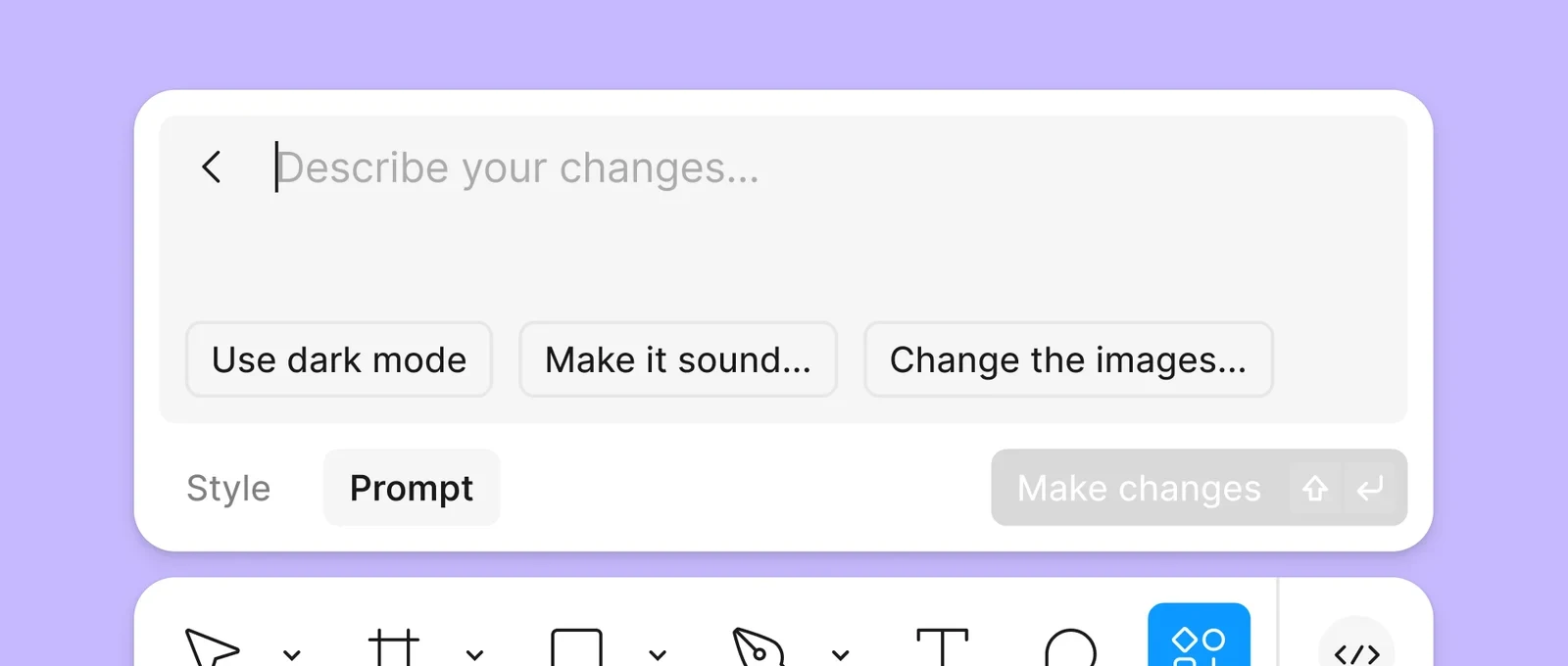
Figma
After a First Draft, Figma asks you to describe changes, with starters like 'Use dark mode', and regenerates the design against that instruction.
Source: Figma Learn ↗
When to use
When the miss is directional and the user can name it in a few words.
Seen in
Midjourney remix prompts, ChatGPT edit-and-resend, Claude retry with feedback, Figma refine.
For engineers
Carry the prior output into context as the base; keep both versions addressable for comparison.
Build prompt
A neutral, component-only prompt for a coding agent. Edit the stack block or anything else to fit your project, then copy it.
Download this prompt as Markdown, or every prompt as JSON for an agent.
Critique checklist for feedback & correction
0 of 4 checked
These questions apply to every pattern in this family. Ticks are saved in this browser.